How to Show an Unknown Number? Easy Ways Explained
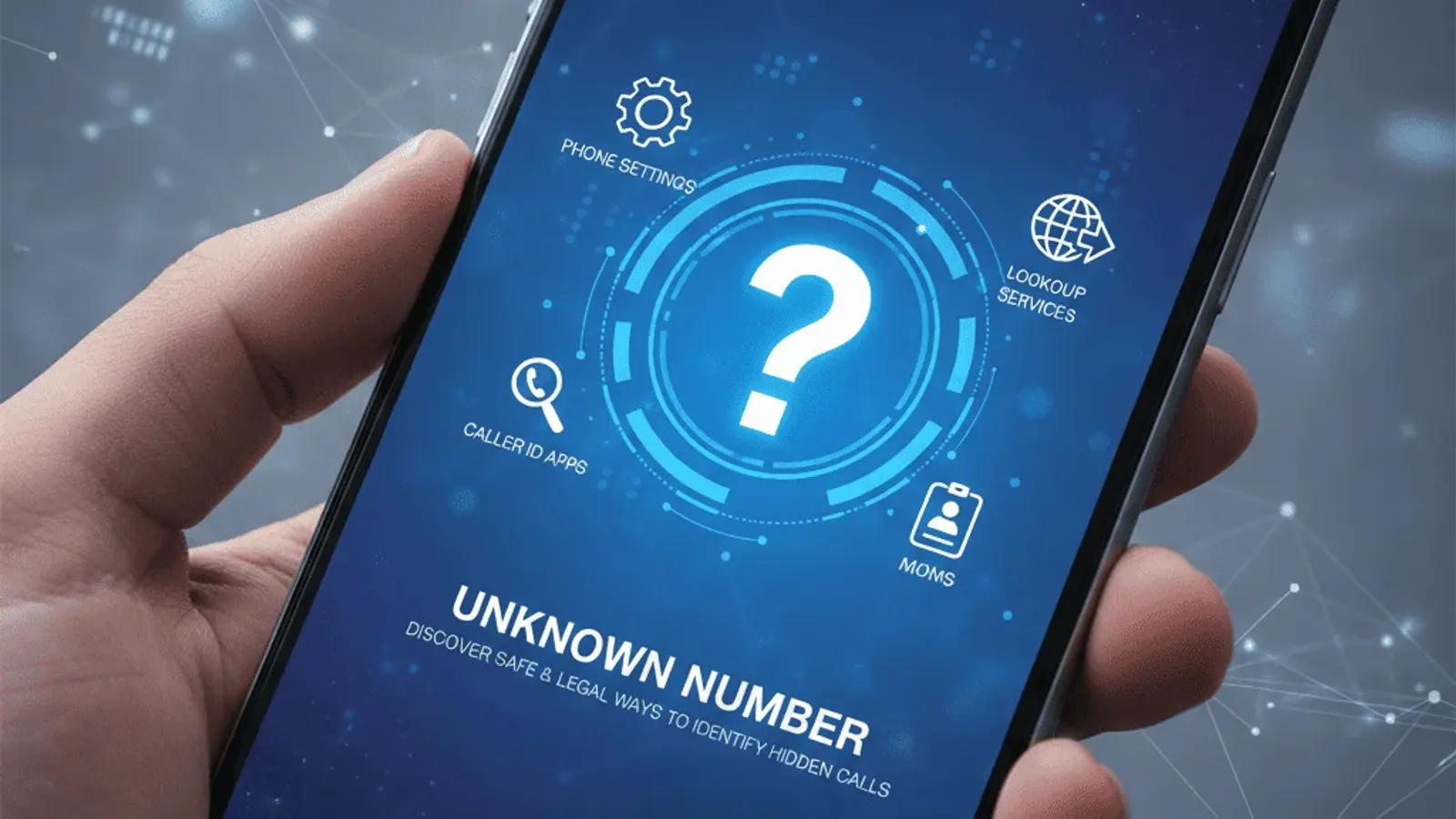
This article describes how to show an unknown number using phone settings, caller ID apps, reverse lookup services, and carrier-based solutions. It explains why some numbers appear hidden, what can realistically be revealed, and how users can safely handle unknown callers without violating privacy rules or falling for scams.
Hidden numbers cause confusion, missed calls, and unnecessary worry. Learning how to show an unknown number helps improve call screening, recognize legitimate contacts, and avoid risky interactions with anonymous or spoofed callers.
Why Numbers Appear as Unknown
Unknown caller IDs are not always suspicious by default. Several technical and privacy-related reasons explain why numbers sometimes appear hidden.
Caller ID Blocking Settings
Many callers intentionally hide their identity using caller ID blocking features. Individuals may value privacy, while businesses sometimes mask outbound call center numbers. Unfortunately, scam operations also use blocking to avoid detection. This mix of legitimate and illegitimate use makes it difficult to judge unknown calls without further verification.
Device and Network Restrictions
Caller ID data must travel through telecom networks correctly. International routing, VoIP technology, outdated carrier infrastructure, or temporary signal disruptions can cause identification data to drop during transmission. As a result, even trusted callers may appear as “Unknown.”
Privacy Protection Features
Telecom regulations and data protection laws allow subscribers to control the visibility of their numbers. These protections prevent unauthorized disclosure of personal contact data, which means no tool can force the release of fully private caller identity information.
Common reasons numbers appear unknown include:
- Caller intentionally blocks ID
- Network routing fails to pass data
- VoIP or international call limitations
- Privacy settings enabled by the caller
- Temporary telecom system errors
Understanding these causes helps set realistic expectations about what can and cannot be revealed.

Can You Really Show an Unknown Number?
Technical Limitations
If a caller blocks ID at the network level, your device cannot override that restriction. Caller ID apps and lookup tools can only work with data that already exists in public records, shared databases, or reported caller lists. No legitimate service can break telecom privacy barriers.
Legal and Privacy Boundaries
Privacy laws strictly regulate access to subscriber identity data. Ethical and legal lookup services rely on publicly available listings, business directories, and community reporting. Any website claiming to reveal “secret” or “private carrier records” should be treated as unsafe.
What can realistically be revealed:
- Publicly listed business numbers
- Community-reported caller identities
- Spam and scam risk labels
- General location or region
- Associated online mentions
What cannot legally be revealed:
- Private subscriber records
- Carrier-protected caller identity
- Financial or government-linked data
- Hidden outbound call routing details
How to Show an Unknown Number
Although full identity disclosure is not always possible, several practical tools can help reveal or clarify unknown callers.
Adjusting Phone Caller ID Settings
Most smartphones include built-in caller ID and spam filtering features. When enabled, these options display available caller data, highlight suspicious numbers, and filter known spam. iPhone users can follow Apple’s official Caller ID and call blocking guide to activate system-level identification and screening features.
Using Caller ID Apps
Caller ID apps connect to global databases of reported callers. When an unknown call arrives, these apps compare the number against stored records and display a name, business label, or spam warning if available. Over time, community reporting improves accuracy.
Reverse Phone Lookup Services
After receiving a call, reverse lookup tools compare the number with public directories, business listings, and user-reported caller data. This method is one of the most practical ways for users to learn how to show an unknown number, as it can reveal possible owner names, business connections, or risk labels based on available public information.
Carrier-Based Caller Identification
Some telecom providers offer enhanced caller identification services. These operate at the network level and may supply stronger identification than device-only tools, especially for verified business callers.
iPhone vs Android Differences
Caller ID Settings on iPhone
iPhones rely on system caller ID, synced contacts, and optional spam-filtering services. When enabled, the device displays verified caller information where available and silences recognized spam numbers.
Caller ID Settings on Android
Android phones often integrate directly with large caller ID networks. Many devices automatically show business names, spam alerts, or call screening options during incoming calls.
Key differences between platforms:
- Android often includes built-in spam labeling
- iPhone focuses on system-level blocking and silencing unknown callers
- Both support third-party caller ID apps
- Carrier integration varies by region

Risks and Privacy Considerations
Avoiding Illegal Lookup Services
Some websites claim to reveal confidential subscriber identity data. These services are unreliable and may expose users to malware or scams. Always choose lookup tools that clearly state their data sources and privacy compliance.
Protecting Personal Information
When using lookup services, avoid entering your own personal details unnecessarily. Reputable tools never request sensitive identity data to perform a basic number search.
Safe usage habits include:
- Avoiding suspicious “instant reveal” sites
- Checking privacy policies
- Using well-known lookup platforms
- Never entering payment data on unverified sites
Alternatives: If an Unknown Number Cannot Be Shown
Letting Calls Go to Voicemail
Voicemail remains one of the safest filters. Legitimate callers usually leave identifying information, while automated scam calls often disconnect without leaving messages.
Using Spam Filter Apps
Spam filter tools silence repeated nuisance calls and block reported scam numbers before they reach you. This reduces stress and limits repeated exposure.
Additional fallback options:
- Return the call only after lookup verification
- Add the number temporarily to a blocked list
- Wait for repeated attempts before responding
Final Thoughts
Unknown caller identification will always involve a balance between privacy protection and transparency. While no method can override telecom privacy laws, combining device settings, caller ID apps, reverse lookup tools, and carrier services makes unknown number show possible in many everyday scenarios. The key is using trusted tools, realistic expectations, and cautious call-handling habits.
This article explained how to show an unknown number using phone settings, caller ID apps, reverse lookup services, and carrier-level identification. It highlighted technical limits, privacy boundaries, and safe verification practices. By combining available tools and smart habits, users can handle hidden callers confidently while staying protected from scams and unwanted contact.
Publicaciones relacionadas
How to Find the Owner of a Phone Number: 7 Proven Methods
Learn how to find the owner of a phone number using 7 proven, legal methods. Compare free and paid lookup tools to identify unknown callers safely.
Top 10 Ways to Check Online Phone Number
Learn effective ways to check online phone number sources and identify unknown callers. Protect yourself from scams and verify business contacts.