How Can You Protect Yourself From Phishing in Everyday Digital Life
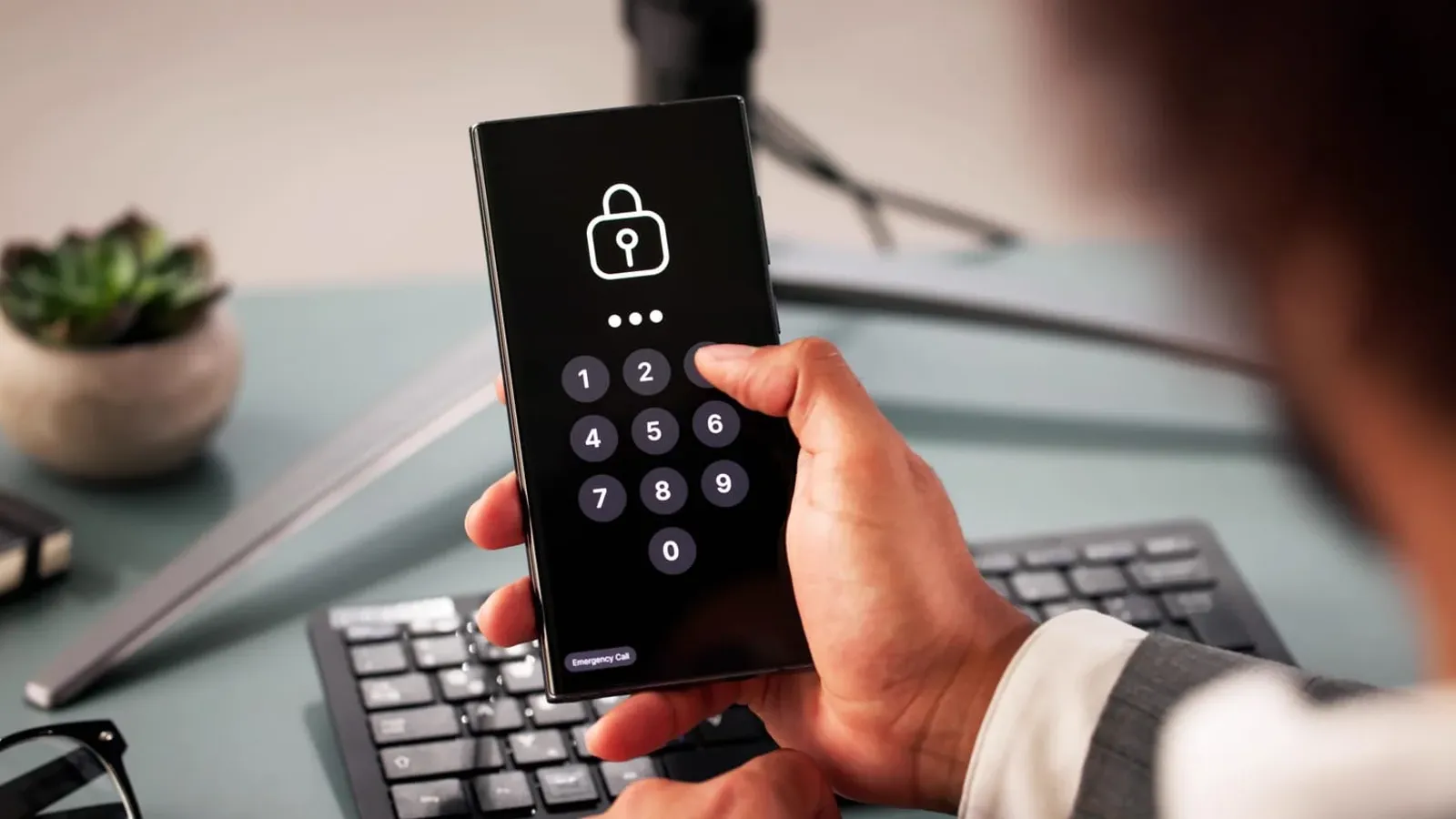
You can protect yourself from phishing by pausing to verify unexpected requests before you click, reply, download, or share information, no matter which app, message, or call they arrive through. That single habit matters more today than ever, since scams no longer wait in a spam folder for you to find them.
According to the FTC's 2024 Consumer Sentinel Network Data Book, Federal Trade Commission, March 2025, email remained the most common way scammers contacted consumers for the second year in a row, followed closely by phone calls and text messages. Phishing is no longer limited to suspicious emails. It shows up while you check messages, shop online, use a banking app, answer a call, or tap a notification.
Modern phishing attacks succeed because they imitate familiar services and create pressure to act quickly. This guide covers practical protection against phishing across the accounts, messages, and calls that make up an average day, with clear steps you can start using for stronger protection from phishing attacks today.
Why Phishing Is Becoming Part of Everyday Digital Life
Phishing has spread into daily routines because people now interact with dozens of digital services every day. Each app, account, and notification is another opportunity for a scammer to slip in something that looks legitimate.
Understanding how to protect yourself from a phishing attack starts with recognizing why these scams blend in so easily. The more familiar a service feels, the less scrutiny people naturally apply to a message claiming to be from it.
A few reasons phishing works as well as it does today:
- Familiar brands and services. A message that looks like it comes from your bank, employer, or a delivery company earns instant trust.
- Urgent requests. Countdown timers and warnings push people to react before checking details.
- Fake security alerts. A warning about a locked account or suspicious login gets immediate attention.
- Personalized messages. Scammers use your name, recent purchases, or even your real phone number to feel credible.
- Cross-channel scams. A single scam moving between email, text, and phone feels more convincing than any one message alone.
How Scammers Combine Different Channels
Many phishing attempts do not stop at one message. A typical scam might start with a fake email about a suspicious login, followed by a text asking you to confirm your identity.
A phone call often comes next, with someone posing as support staff who already seems to know the details from the earlier messages. Using several touchpoints makes the whole scam feel coordinated and official, which is exactly the impression scammers are after.

How Can You Protect Yourself From Phishing While Using Online Accounts?
Protection against phishing starts with how you access your accounts, not just what you click. Small habits around logins, passwords, and recovery settings close off most of the openings scammers rely on.
Be Careful With Fake Login and Security Alerts
Fake login and security alerts are one of the most common ways scammers try to protect themselves from being caught while stealing your credentials. Watch for messages about password resets you did not request, login notifications from unfamiliar devices, or account suspension warnings that demand immediate action.
The safest response is to skip the link in the message entirely. Open your official app or type the website address yourself, then check for any real alerts from inside the account.
Protect Your Passwords and Verification Codes
Attackers rely heavily on stolen credentials and intercepted verification codes to get into accounts. A stolen password becomes far less useful once a few extra layers of protection from phishing attacks are in place.
Build these habits into your account security:
- Use a unique password for every important account so one leaked password cannot unlock the rest.
- Use a password manager to generate and store strong passwords without reusing them.
- Turn on two-factor authentication wherever it is available, ideally through an authenticator app.
- Never share a verification code with anyone who contacts you, even if they claim to be from your bank.
Quick Tip: If a code arrives that you did not request, treat it as a signal that someone is actively trying to access your account, and change that account's password right away.
Review Account Recovery and Privacy Settings
Recovery emails, phone numbers, and connected apps quietly become part of your account's security, even though they are easy to forget about. An outdated recovery email or a forgotten third-party app can give an attacker a way in that has nothing to do with your password.
This step is easy to skip, but it closes a gap that passwords and two-factor authentication alone cannot cover. A few minutes spent here now can save hours of account recovery later.
Take a few minutes to:
- Remove old or unused connected apps and browser extensions.
- Update recovery emails and phone numbers to ones you still use.
- Check which devices are currently signed in, and sign out of any you do not recognize.
Avoiding Phishing Through Text Messages and Phone Calls
How to protect yourself from a phishing attack outside of email comes down to treating texts and calls with the same suspicion. Smishing and vishing scams have grown quickly because most people still associate phishing mainly with email.
Watch for Smishing Messages
Smishing, phishing delivered through SMS and messaging apps, follows familiar templates. Fake bank alerts, toll payment reminders, prize notifications, and account verification requests are among the most common formats.
Learning how smishing scams disguise malicious links in ordinary-looking texts makes it much easier to catch these messages before tapping anything. The safest move is always the same: open the official app instead of the link in the text.
Be Careful With Suspicious Phone Calls
Vishing, or phone-based phishing, includes fake bank representatives, tech support scams, and callers posing as government agencies. These calls can sound convincing because caller ID is easy to spoof.
A number that looks local or familiar is not proof of who is actually calling. Reviewing common smishing and vishing tactics side by side makes the overlap between text and phone scams much easier to spot, since scammers often reuse the same script across both channels.
Note: Even a voice that sounds familiar is not reliable proof of identity anymore, since voice cloning scams can convincingly imitate someone you know.
Use Caller Identification to Check Unknown Numbers
Caller ID and spam detection tools give you a quick way to decide whether to answer, ignore, block, or verify a number before it ever reaches your ear. This turns an unfamiliar call from a guessing game into an informed decision.
Sync.me's caller ID identifies unknown callers, flags known spam and scam numbers, and helps you recognize suspicious numbers before you engage. Pairing this with answering spam calls without giving anything away covers both sides of the decision, whether you choose to pick up or not.

Where Everyday Phishing Protection Still Falls Short
No single habit or tool offers complete protection from phishing attacks, and it helps to know where the gaps are. Even strong protection against phishing works best as a combination of habits rather than one standalone fix. Being realistic about these limits keeps you from relying on any one safeguard too heavily.
- Spoofed numbers and email domains can look completely genuine. Verification through a separate channel is still necessary, even when the caller ID or sender looks correct.
- Busy moments create the biggest exposure. Most people fall for phishing while multitasking, not because they lack awareness of the risk.
- New scam formats appear faster than filters can catch them. Spam blockers and email filters catch known patterns, but a brand-new scam number or domain may briefly slip through.
- Shared devices multiply the risk. A phishing link clicked on a shared phone or computer can expose more than one person's accounts.
Why Pausing Across Every App Beats Any Single Fix
Phishing protection is ultimately about recognizing risky situations before they become real problems. Every habit in this guide, from checking a sender to verifying a phone number, exists to slow you down at the exact moment a scammer wants you to move fast. Together, these habits form a practical answer to how to protect yourself from a phishing attack across every channel it might arrive through.
Safer digital life comes from verifying requests, protecting personal information, and using tools that flag suspicious communication early. No single app, filter, or setting covers every channel a phishing attempt can use, which is why the pause to verify matters more than any one tool on its own.
Want an easy way to check unfamiliar callers before you answer?
Download Sync.me's caller ID to identify unknown numbers and block known scam callers automatically.
Frequently Asked Questions
Can phishing happen through apps that seem trustworthy?
Yes, scammers can compromise legitimate-looking apps, buy ads that mimic real services, or send messages through trusted platforms like social media and messaging apps. A familiar interface does not guarantee a message or link inside it is safe.
Why do phishing messages sometimes appear after I recently used a service?
Scammers often time messages around recent activity, such as an online purchase or a bank transaction, since these feel timely and believable. This does not mean the company was breached; it usually means the scam is simply well-timed.
How can I check if a phone number in a suspicious message is legitimate?
Compare the number to the one printed on your card, statement, or the company's official website rather than trusting the number in the message. A caller ID and spam detection tool can also flag numbers already reported as scams.
Can scammers use information from my social media profiles to create phishing attempts?
Yes, publicly available details like your workplace, recent trips, or family names can make a phishing message feel personal and convincing. Reviewing your privacy settings and limiting what is publicly visible reduces how much material scammers have to work with.
What happens if a phishing website looks identical to the real one?
A convincing fake website can still be caught by checking the web address carefully, since the design can be copied but the domain usually cannot match exactly. Typing the company's address directly instead of clicking a link avoids this problem entirely.
פוסטים קשורים
How to Prevent Phishing Attacks: 7 Simple Habits That Keep Your Data Safer
Discover how to prevent phishing attacks by building safer habits, from checking senders and links to protecting passwords and verification codes.
What Is a Common Indicator of a Phishing Attempt? 10 Signs You Should Recognize
Learn what a common indicator of a phishing attempt is and spot 10 warning signs, including suspicious links, fake senders, urgent requests, and scam calls.
How to Protect Your Phone Number: 9 Simple Safety Rules
Your phone number is more exposed than you think. Follow these 9 practical rules for phone number protection and reduce your risk of spam calls and scams.